

Features
Features
Eventology's event management system is built to handle every stage of the attendee journey, from the moment someone registers to the moment they leave the venue. The following capabilities are available as part of the core system, configurable to the structure and scale of each event.

Customized Registration Forms
Every event collects different information. The registration form is fully configurable, covering field types, conditional logic, multi-step flows, and custom data capture tailored to the event's specific requirements.
- Multi-step forms with conditional field logic
- Custom field types: text, dropdown, file upload, date, and more
- Support for different registration categories with distinct form flows
- Multi-language field labels and form content
- GDPR-compliant data handling and consent capture

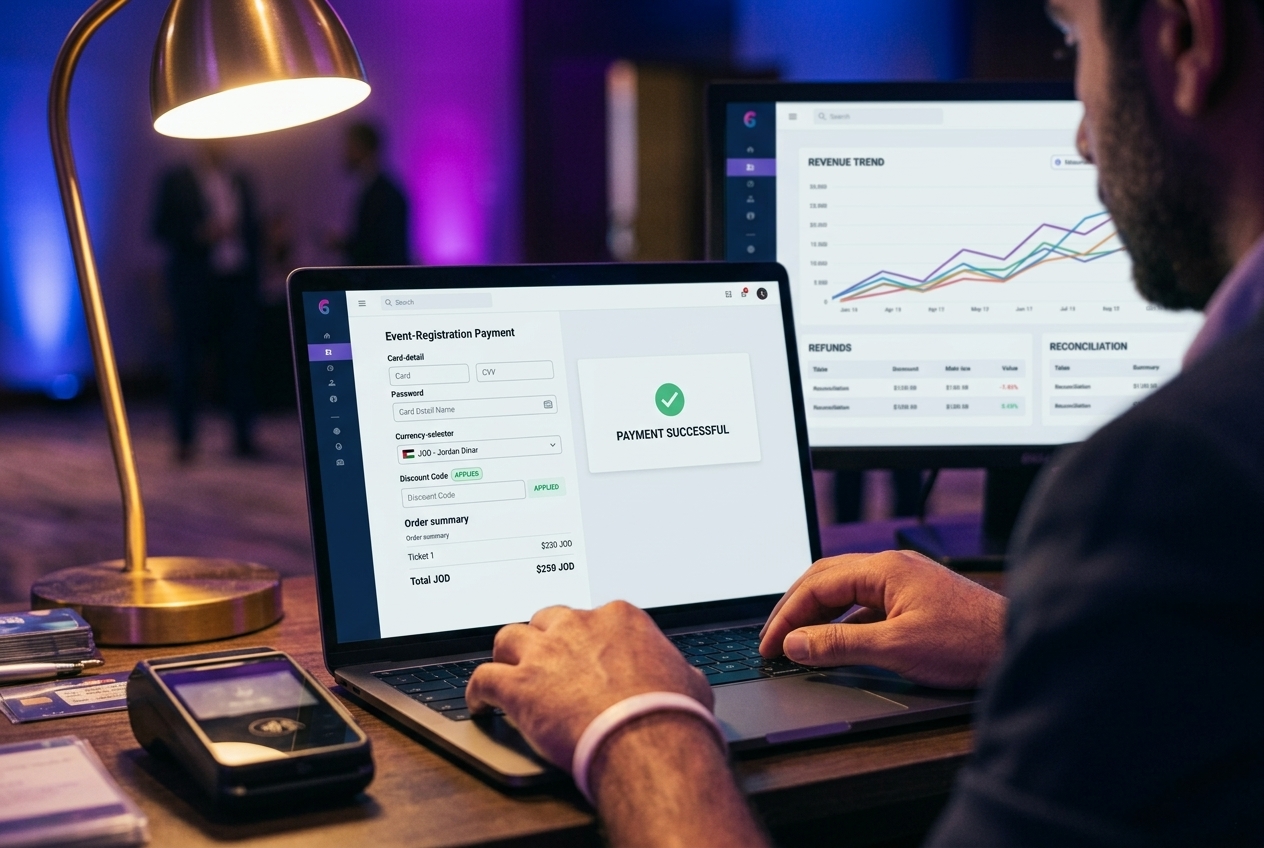
Online Payment Gateway & Financial Module
The system integrates with payment gateways to handle ticket sales, registration fees, and additional purchases, with full financial reporting and reconciliation built in.
- Integration with major regional and international payment gateways
- Multi-currency support
- Automated payment confirmation and receipt generation
- Partial payments, discount codes, and group billing
- Financial dashboard with revenue tracking, refund management, and export
Attendee Portal & Profile Management
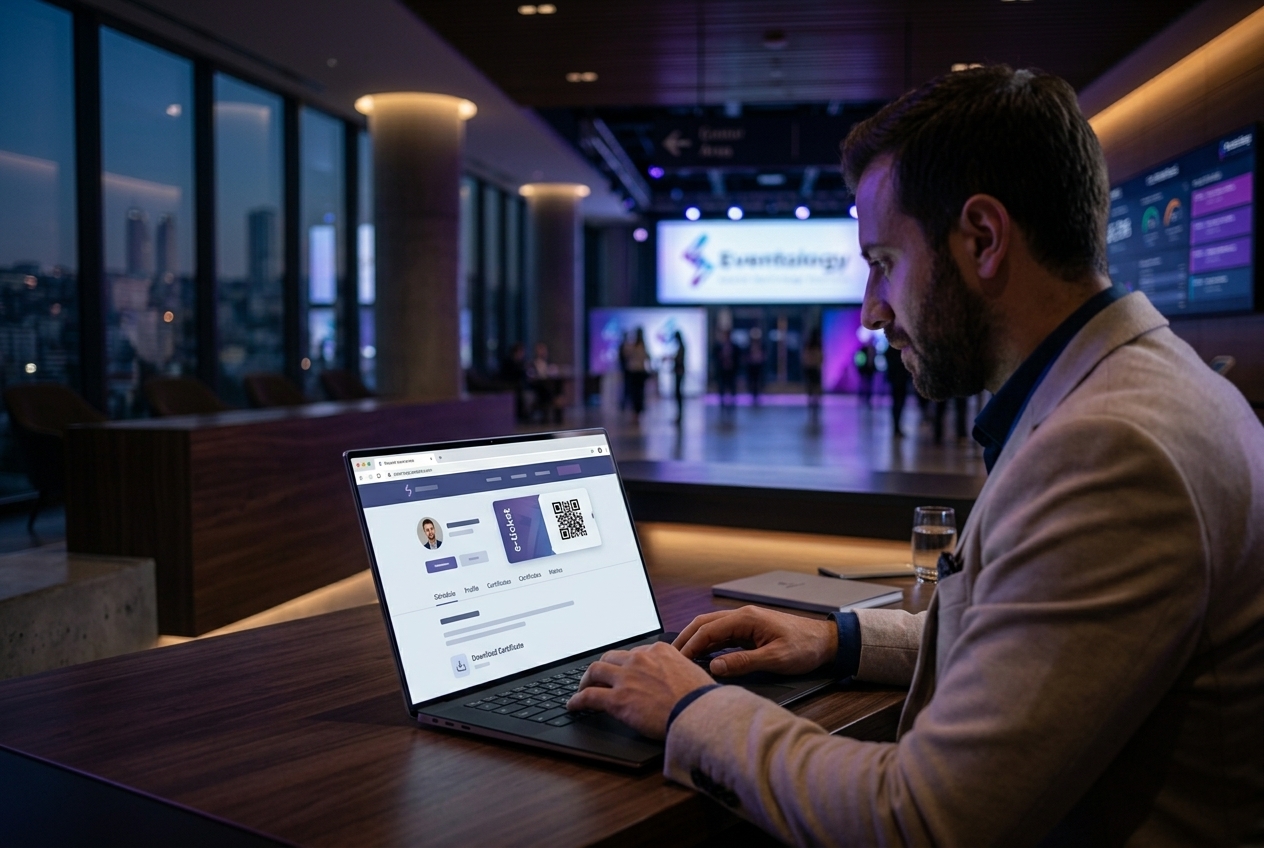
Registered attendees access a personal portal where they can manage their registration, view their confirmation, update their details, and interact with event features before and during the event.
- Secure personal login via OTP or password
- Confirmation and e-ticket access
- Profile editing and additional data submission post-registration
- Session selection and agenda personalization
- Access to digital certificates and post-event materials
Communication via Email, SMS, WhatsApp & Push Notifications
The system handles all attendee communication, from automated transactional messages to manual bulk or personalized broadcasts, across multiple channels from one interface.
- Automated confirmations, reminders, and status updates
- Bulk messaging by segment: ticket type, session, registration status
- Personalized messages with dynamic attendee data fields
- Channels: Email, SMS, WhatsApp, and in-app push notifications
- Message scheduling and delivery tracking

Session & Agenda Management
For events with structured programs, the system manages the full agenda, including sessions, speakers, capacities, and scheduling across single or multi-day formats.
- Multi-day event support with day-by-day agenda structure
- Session capacity limits and waitlist management
- Speaker profiles linked to sessions
- Attendee session selection and personalized schedule
- Real-time schedule updates pushed to attendees
- Session check-in tied to access control
Logistics Management
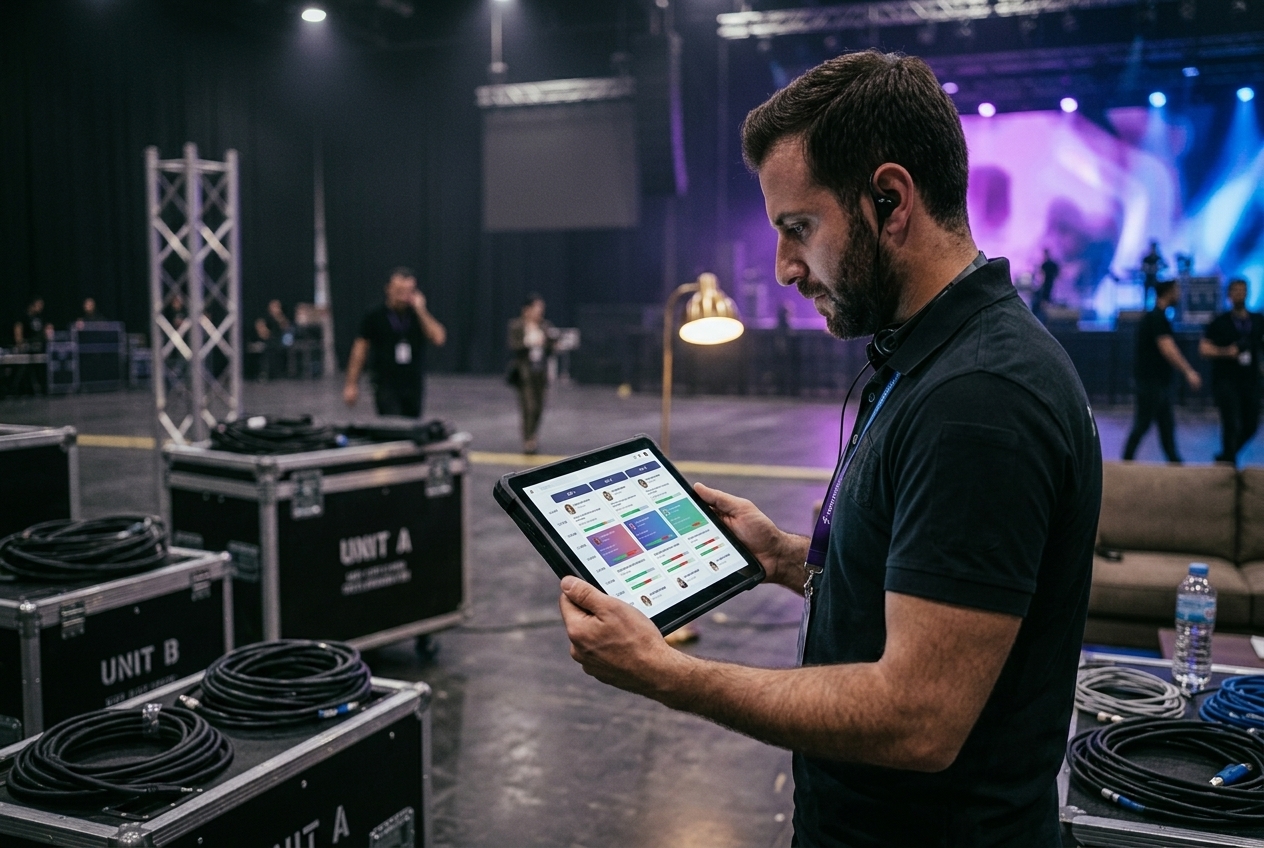
For events requiring coordinated logistics, the system extends to cover transportation, accommodation, excursions, and activity management, all within the same platform.
- Transportation scheduling and attendee assignment
- Accommodation booking and room allocation management
- Excursions and activities RSVP with capacity control
- Attendee-facing logistics portal for selections and confirmations
- Logistics reporting and coordination exports for operations teams
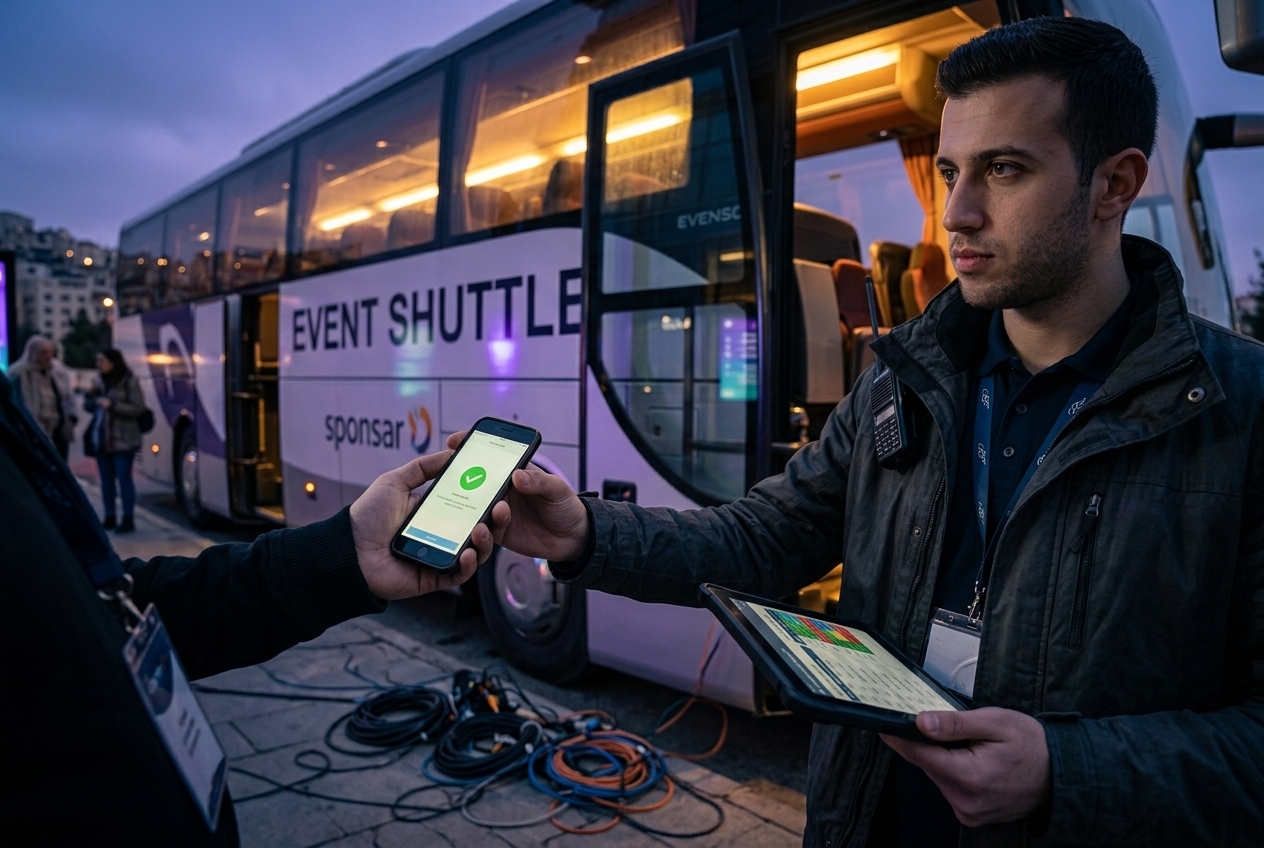
Integrated Access Control for Zones & Venues
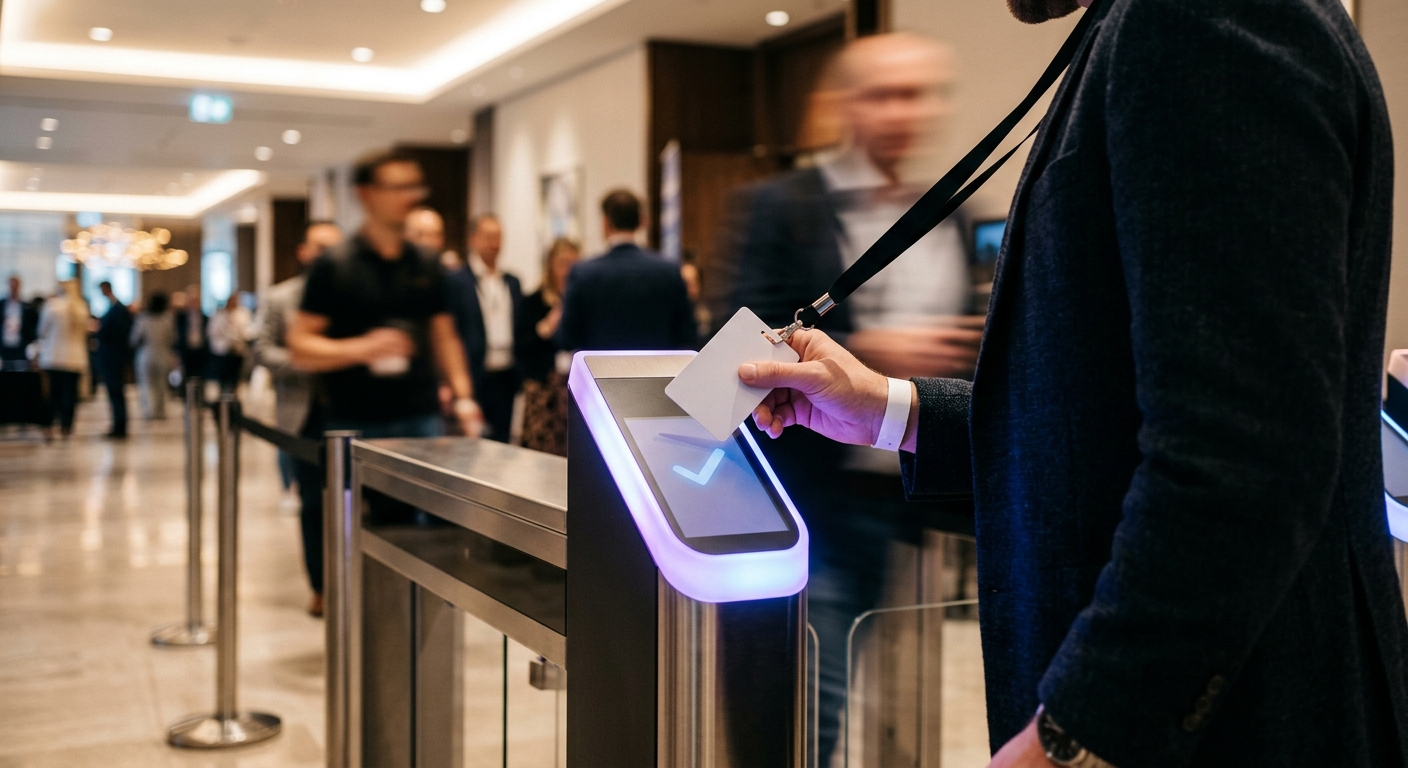
Access control is built into the core system, not a separate tool. Entry points, zones, and multi-venue configurations are all managed centrally, with real-time validation at every gate.
- QR and RFID-based validation at entry points
- Zone and venue matrix: configure access rules per registration category
- Multi-venue support with centralized control
- Real-time occupancy tracking per zone
- Unauthorized access prevention with instant alerts
- Time-based access logging for CME/CPD certification
- Full attendee movement history and exportable logs

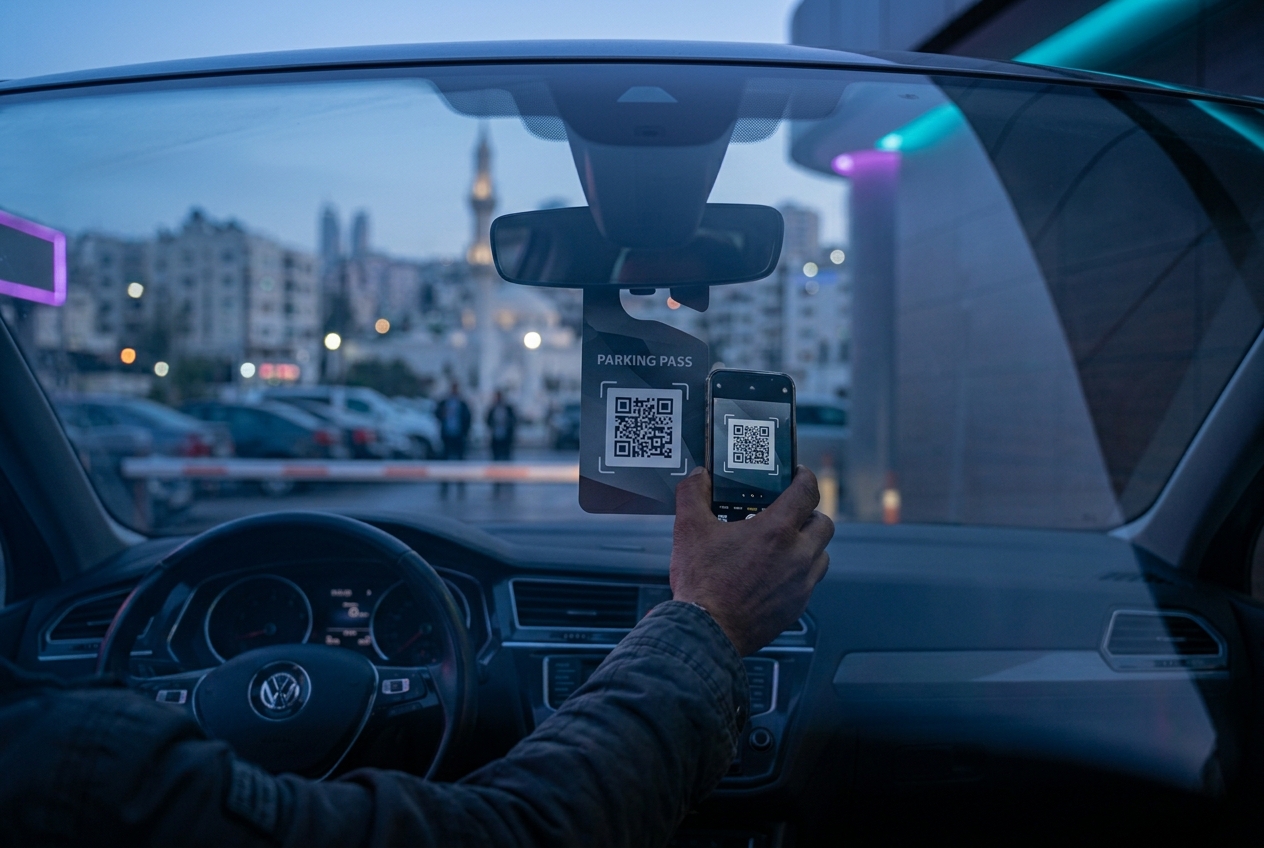
Car Pass & Vehicle Access Control
The system extends access control beyond attendees to vehicle entry, managing parking access, gate validation, and vehicle-to-attendee linking through QR or RFID-based car passes.
- QR or RFID-based car pass generation linked to attendee profile
- Vehicle entry validation at parking gates and venue access points
- Multiple vehicle passes per attendee where applicable
- Car pass included in pre-event confirmation or issued onsite
- Real-time vehicle entry logging and occupancy tracking per zone
- Configurable pass types: VIP parking, general, contractor, and staff
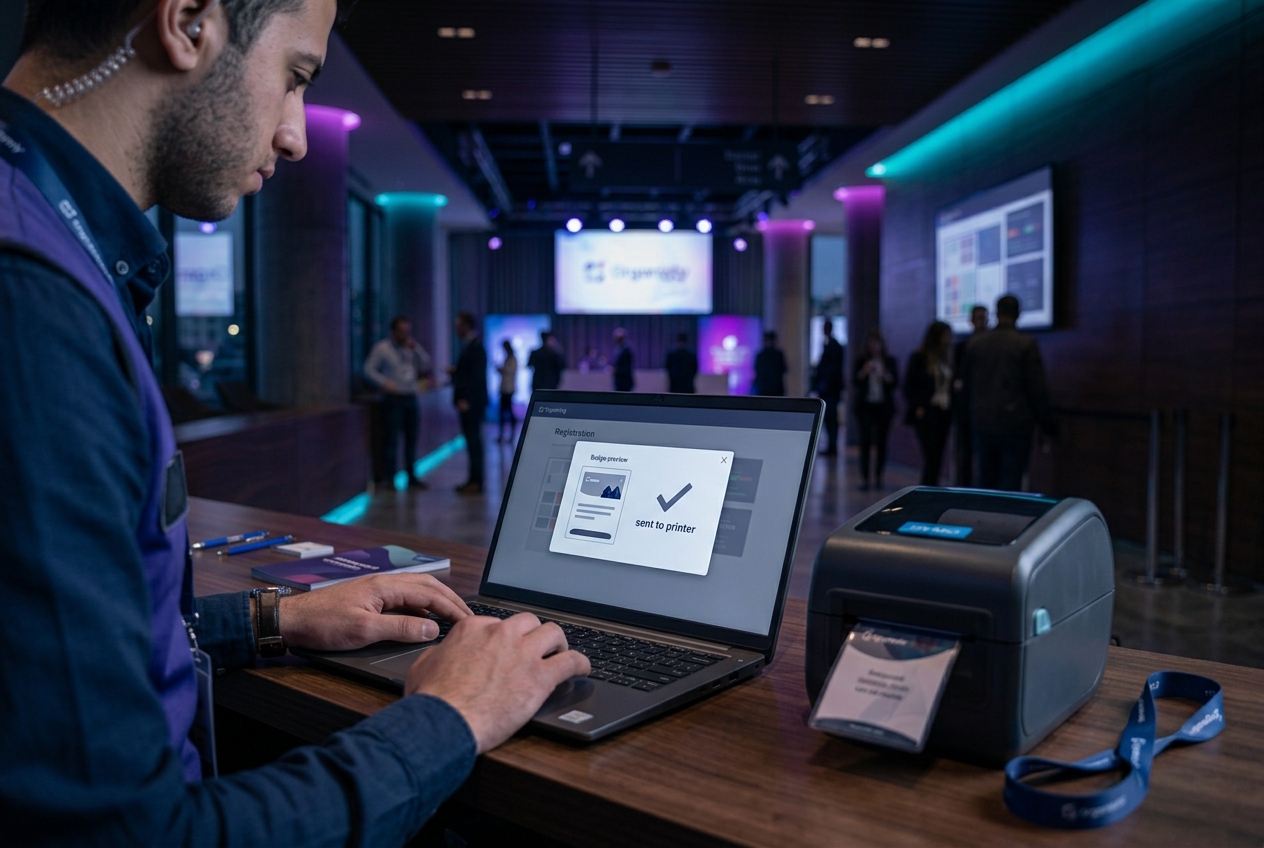
Managed Badge Printing
Staff-operated badge printing at registration counters, with instant issuance tied to the attendee's registration profile. Supports reprint workflows and on-the-spot walk-in badge generation.
- Instant badge printing on check-in or on-demand
- Custom badge designs per registration category or ticket type
- QR code and RFID chip encoding on badge
- Reprint with authorization control
- Walk-in badge generation with onsite registration
- High-volume throughput configuration for large check-in peaks
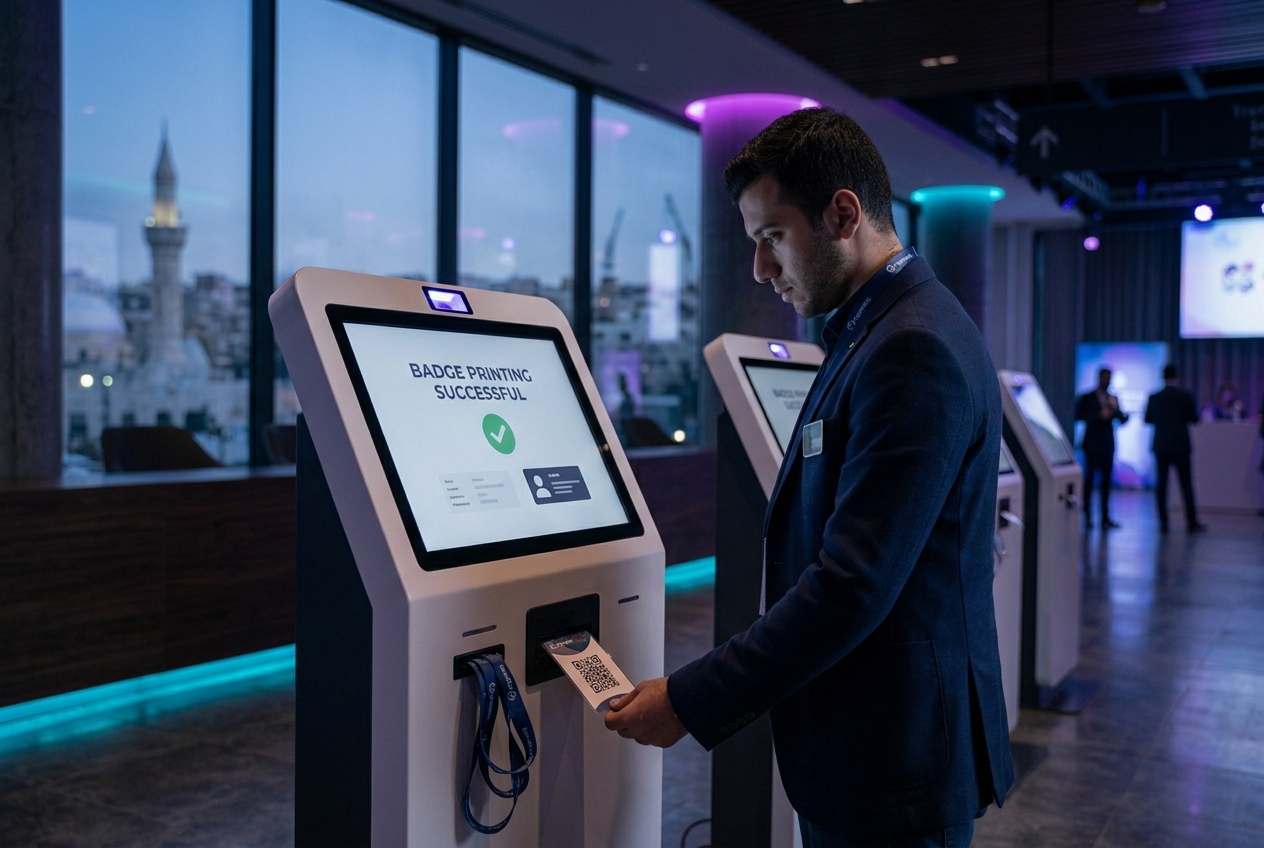
Self-Service Kiosk
Attendees check in and print their own badge without staff assistance. Kiosks reduce queue pressure at registration counters and support fast-lane entry at high-volume events.
- Standalone kiosk units for independent attendee check-in
- QR code scan from e-ticket or attendee portal
- Instant badge print and dispense
- Walk-in registration flow available on kiosk
- Integrated with the central system, with all check-ins reflected in real time
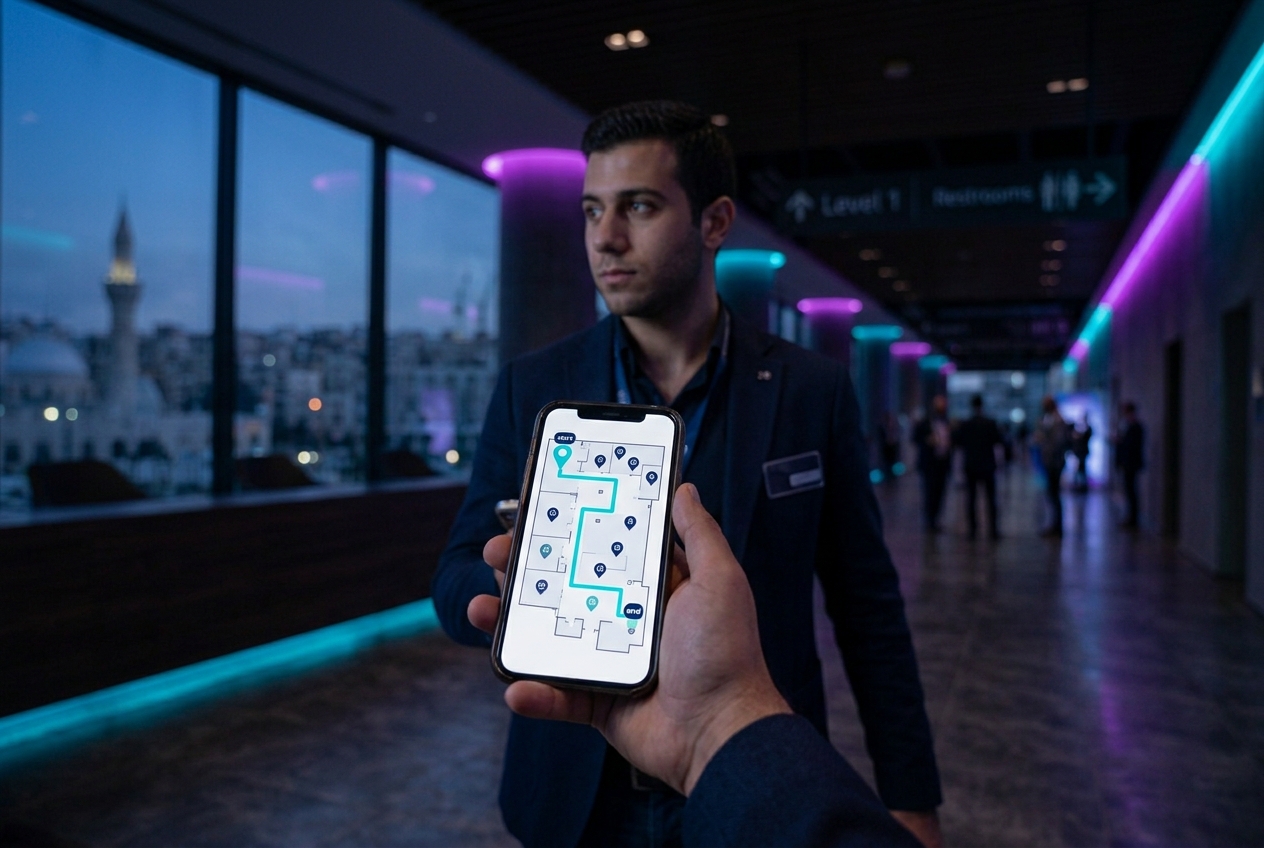
Interactive Floorplan & Wayfinder
An interactive venue map helps attendees navigate the event space, locating sessions, exhibitors, facilities, and points of interest without assistance.
- Configurable floorplan upload and zone labeling
- Clickable zones linked to session or exhibitor information
- Available in the attendee portal and mobile app
- Supports multi-floor and multi-venue layouts
B2B Matchmaking & Meeting Booking
For events with a business networking or meetings component, the system provides a structured matchmaking and meeting scheduling module, enabling participants to connect, request meetings, and manage their agenda.
- Attendee profile visibility and interest matching
- Meeting request and confirmation workflow
- Scheduled meeting slots with venue/room assignment
- Meeting agenda integrated into personal attendee schedule
- Export and reporting for meeting organizers

Lead Capture for B2B, B2C, and C2C
The system enables structured lead capture across all attendee interaction models, including exhibitors collecting visitor data, sponsors capturing leads, or attendees connecting with each other.
- QR-based contact exchange between attendees
- Exhibitor lead scanning with custom qualification fields
- Sponsor-level lead capture with campaign tagging
- Lead export per exhibitor or sponsor post-event
- Privacy-compliant consent capture at point of lead exchange

Surveys, Polls & Voting
The system supports live and asynchronous attendee engagement through surveys, polls, and voting, enabling organizers to gather feedback, run live audience interactions, and collect structured input during sessions or across the event.
- Live polls during sessions with real-time result display
- Audience voting for awards, elections, or ranked selections
- Pre-event and post-event surveys with configurable question types
- Mid-event feedback forms per session or activity
- Results dashboard with response rates and answer breakdowns
- Anonymous or attributed responses based on event requirements
- Accessible via mobile app, attendee portal, or dedicated kiosk

Dedicated Mobile Application
A branded mobile app extends the system to attendees' devices, delivering a personalized event experience before, during, and after the event.
- Personalized agenda and session schedule
- Push notifications for announcements and reminders
- Speaker profiles and session details
- Interactive floorplan and wayfinder
- Access to attendee portal features on mobile
- Post-event survey and certificate access
- Available on iOS and Android

Printed & Digital Certificates with CME/CPD Calculation
The system generates and issues certificates of attendance, printed onsite or delivered digitally, with CME and CPD credit calculations driven by verified access control data.
- Printed certificates at registration counter or dedicated certificate station
- Digital certificates delivered via email or attendee portal
- CME/CPD credit calculation based on session attendance verified by access control
- Certificate templates configurable per event and registration type
- Bulk certificate generation and export for post-event delivery

User-Level System Access
The system supports multiple access tiers, allowing organizers to control exactly what each team member or stakeholder can see and do within the platform.
- Role-based access control: admin, operator, read-only, and custom roles
- Permission sets per module, including registration, reports, access control, and more
- Audit trail for all system actions by user
- Secure login with OTP-based authentication per user account

Easy-to-Use Interface
The system is designed for event professionals, not IT teams. The interface is clean, task-oriented, and operable by trained staff with minimal onboarding.
- Intuitive dashboard with event overview and live stats
- Quick-access controls for common operations: check-in, badge print, search
- Fully web-based, with no software installation required for staff stations
- Responsive design for operation on tablets and handheld devices

Advanced Reports
Every interaction with the system generates data. The reporting module surfaces that data through live dashboards and exportable reports, giving organizers visibility throughout the event and actionable insights after it.
- Live attendance dashboards with breakdowns by category, session, zone, and time
- Registration funnel and conversion tracking
- Peak traffic and occupancy analysis
- Financial reports with revenue, refunds, and reconciliation
- Custom report builder with filter and export options
- Post-event summary reports for client delivery

AI-Driven Features
The system incorporates AI capabilities that automate identification, verification, and data quality tasks, reducing manual workload and improving accuracy at scale.
- Photo matching: automatically links event photographer uploads to attendee profiles using facial recognition
- AI-driven duplicate detection: identifies and flags duplicate registrations before they reach check-in
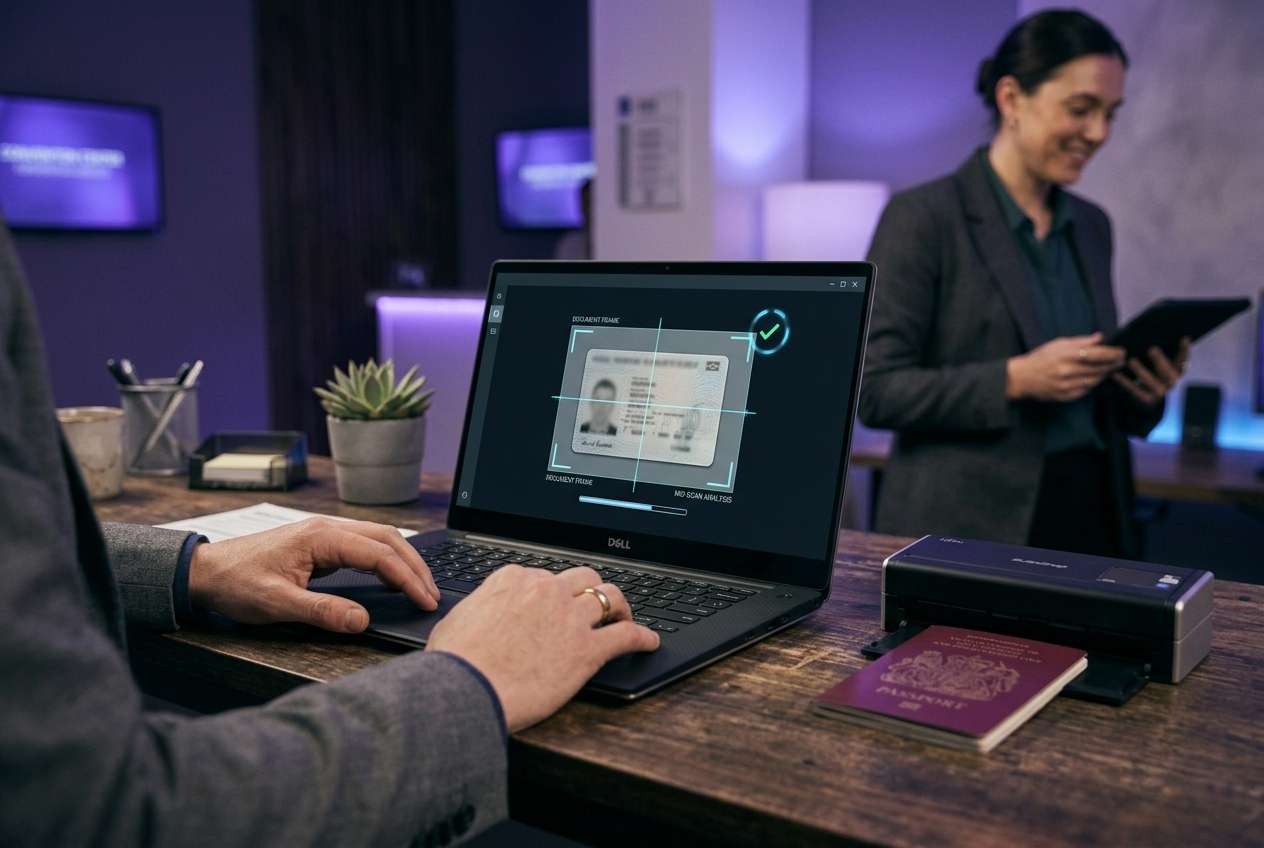
- Document & ID verification: validates uploaded identity documents, detecting blurry images, MRZ mismatches, and unsupported document types
- Image upload quality control: ensures submitted photos meet requirements before registration is completed
Advanced System Security
The system is built with security as a baseline requirement, protecting attendee data, organizer accounts, and event operations at every layer.
- SSL encryption across all connections
- Encrypted database storage
- OTP-based login for all user accounts
- Session timeout and brute-force protection
- Role-based access control preventing unauthorized data access
- Compliance-ready data handling with audit trail